Setting Up Your Account
Last updated: March 16, 2026
Overview
To access Constructable, you’ll first receive an invitation to join a specific project. This article walks through how to accept your invitation, set your password, and log in for the first time.
If your invite has expired or you can’t find the email, don’t worry—there’s a quick way to get back in.
Accepting Your Invitation
When your team adds you to a project, you’ll receive an email with the subject:
“Join the project ‘Project Name’ from ‘Company Name’.”
Open the email.
Click Accept Invitation.
Create your password.
Log in.
Once completed, you’ll have access to the project(s) you were invited to.
Didn’t Receive an Invitation?
If you don’t see the invite email—or if it has expired—you can still set up your account.
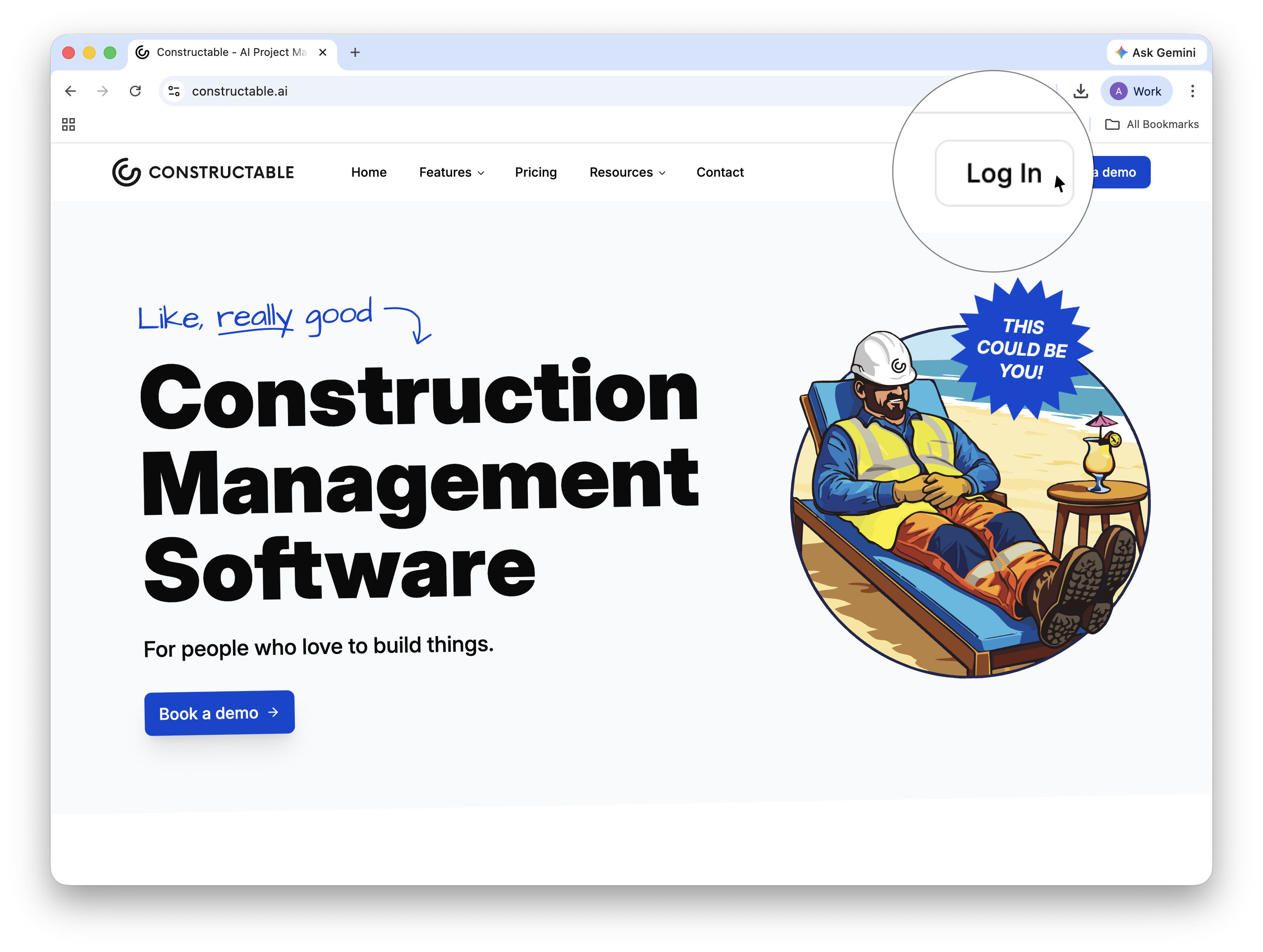
Go to the sign-in page.
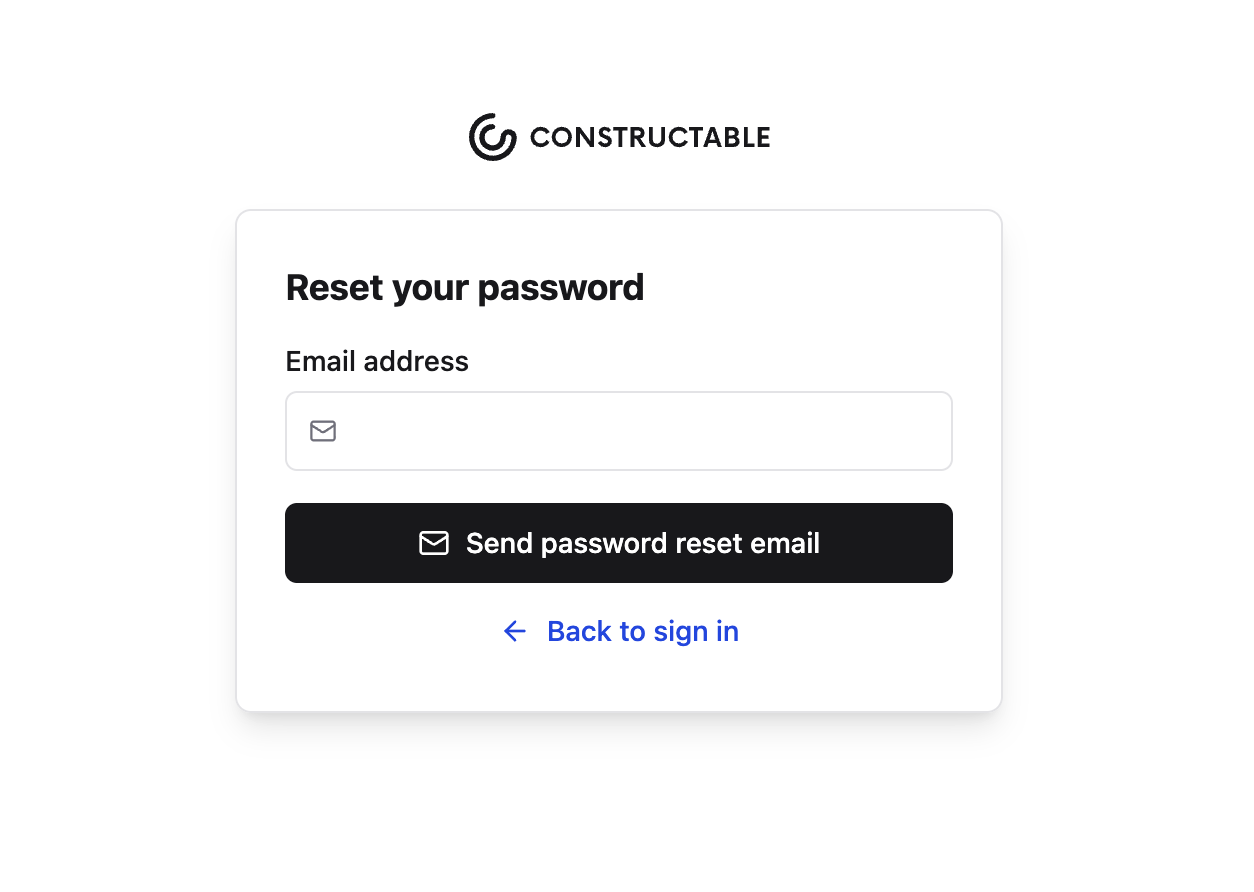
Click Forgot password.
Enter the email address that was invited to the project.
Follow the instructions sent to your inbox to set your password.
If you’re unsure which email address was used, reach out to your Project Manager or Admin.
Using a Magic Link (No Password Needed)
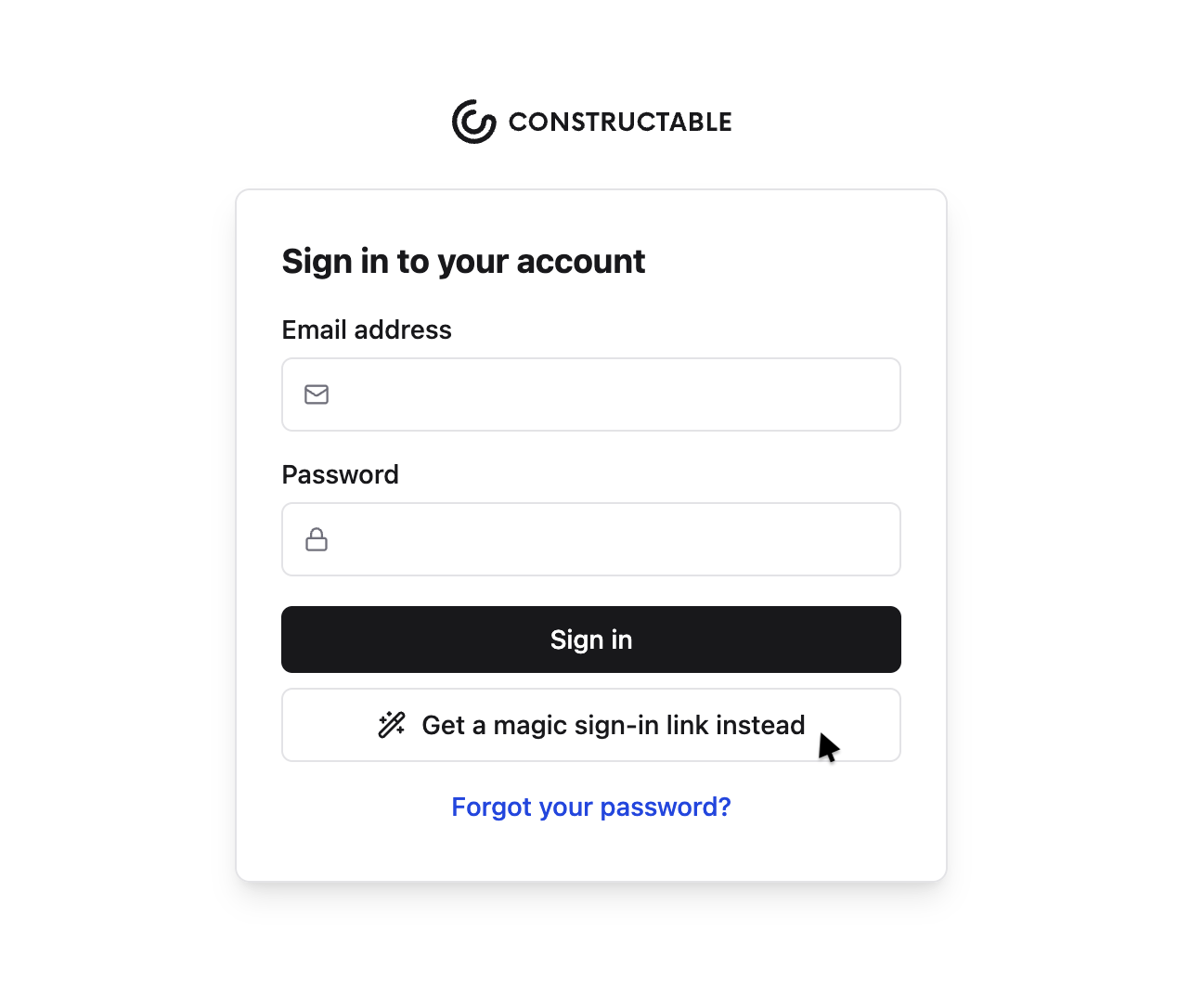
If you don’t log in every day or prefer not to remember a password, you can use a magic link instead.
From the sign-in page:
Enter your email.
Select the option to receive a magic link.
Click the link in your email to log in instantly.
No password required.